One tap
Tap once. You're connected.
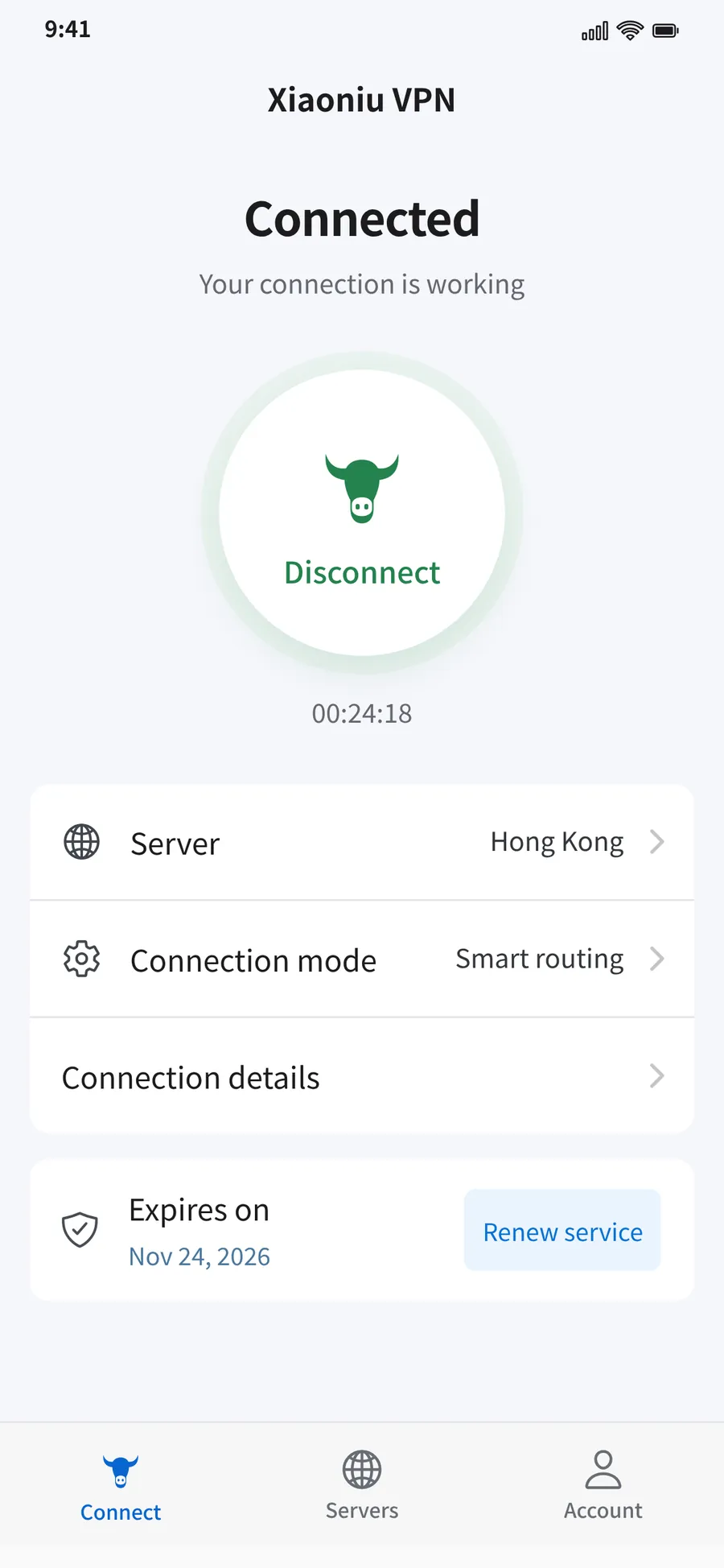
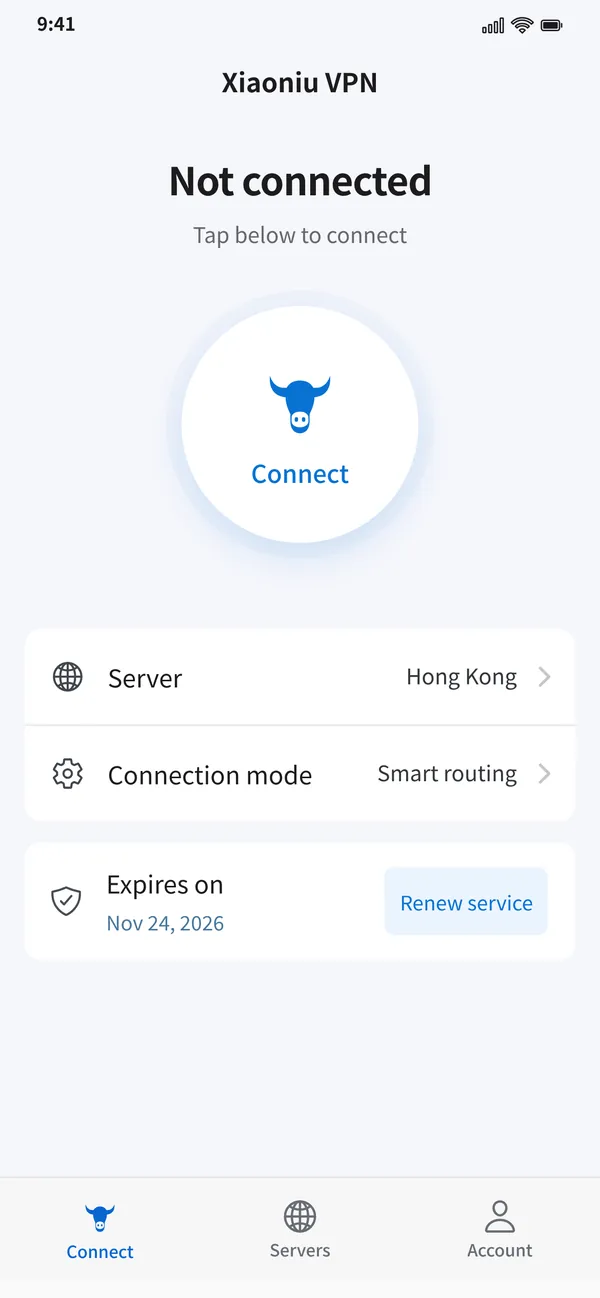
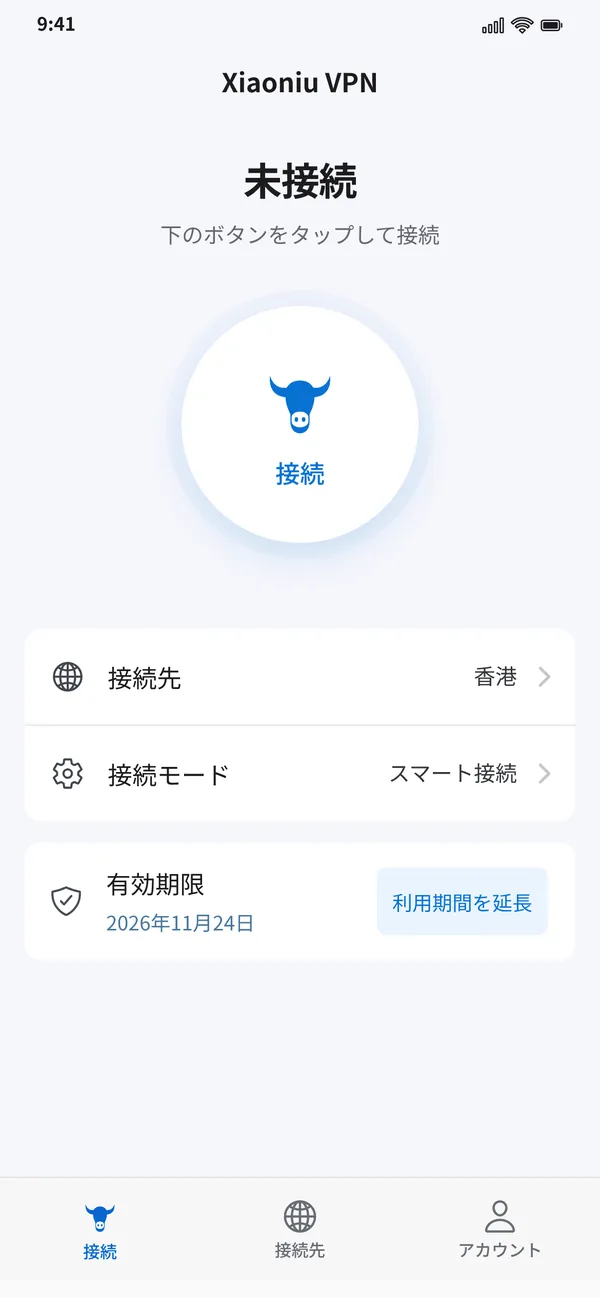
Open Xiaoniu VPN and tap the button in the middle to connect; tap again to disconnect. Your status and time connected are always in view.
One tap
Open Xiaoniu VPN and tap the button in the middle to connect; tap again to disconnect. Your status and time connected are always in view.
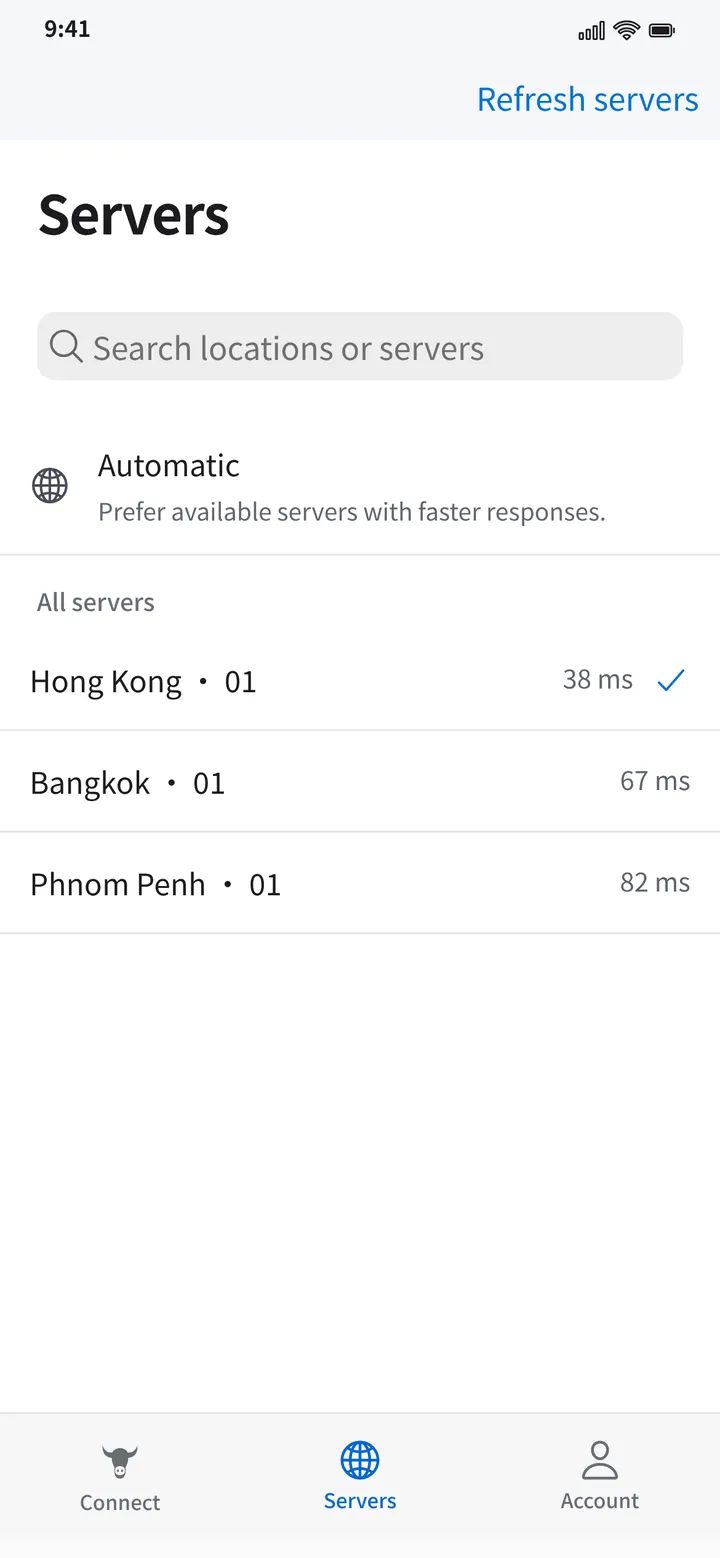
Smart routes
See every route with live latency and pick the one you want. Or choose Automatic and Xiaoniu connects to the fastest-responding route.
Privacy
Your connection is encrypted and we never record your browsing. No ads, no third-party analytics.
Every device
Use it on iPhone, Android and Windows. Every platform supports login codes, and on iPhone you can also create an email account and subscribe in the App Store.
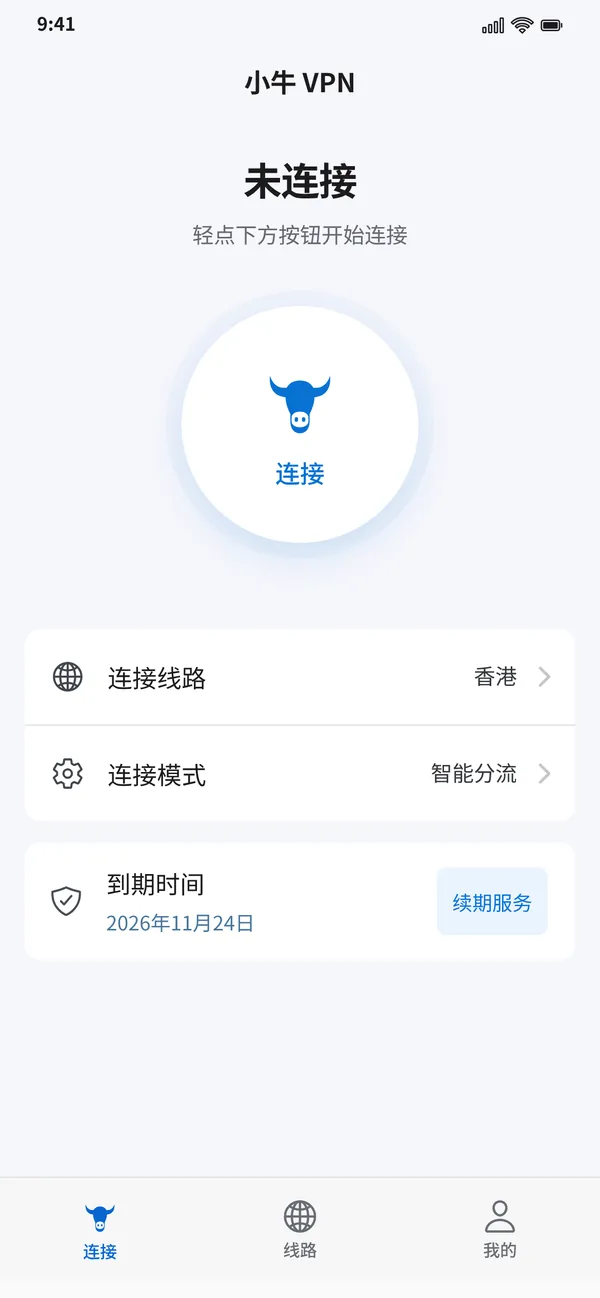
App Store version. Email account or login code, with in-app subscriptions.
Coming soon to the App StoreChecking for the latest version…
Questions or problems? Email us and we will get back to you soon.
3540259857@qq.comiPhone (iOS 16 or later), Android and Windows. The iPhone app is distributed through the App Store; the Android and Windows apps can be downloaded here.
Every platform supports login codes issued by an administrator; keep yours safe. On iPhone you can also create an email account and subscribe in the app.
Check your network and allow the VPN configuration when the system asks. Then refresh the route list and try another route or Automatic. Still stuck? Email the app version and the time of the error to 3540259857@qq.com.
No. Xiaoniu VPN does not record your browsing, and the apps contain no ads or third-party analytics. See the Privacy Policy for details.
iPhone subscriptions renew automatically through the App Store. Manage or cancel anytime in Settings > Apple Account > Subscriptions. Deleting your account does not cancel a subscription.
On iPhone, open Account and choose Delete account. For Android and Windows accounts, email us to request deletion.